
Apple's tiny clock detail is breaking the internet - how iOS saves battery with style
Sneha Kumari | Feb 23, 2026, 11:00 IST
Apple’s iPhone Clock icon adapts based on battery mode: smooth mechanical sweeps in normal mode, ticking like a quartz watch in Low Power Mode.

Image credit : Freepik | iPhone’s Clock Icon Hides a Clever Battery-Saving Trick
If you have ever zoomed into your iPhone screen just to feel a tiny UI change hit different, you are not alone! Apple fans basically live for those blink-and-you-will-miss-it tweaks that make iOS feel fresh without screaming 'update', and the latest one?
It's got the internet spiralling in the best way.
A tech enthusiast named Shishir recently sparked a whole debate on X after noticing something wild about the iPhone's Clock app icon. His post read, "Wait… the clock icon on iOS ticks like a quartz watch in low power mode and mechanically in normal mode??? That’s ridiculous attention to detail."
However, honestly, he is not wrong.
Here's what's happening:
Of course, the comments section turned into a mini tech TED Talk. Some users argued it's not about vibes; it's about efficiency.
When the second hand glides smoothly, your phone has to render more frames per second. More frames mean more GPU activity and more battery drain. Well, when it ticks once per second, fewer pixels change. Less processing and less power usage.
And that actually tracks.
Low Power Mode is designed to reduce background activity and extend battery life. On devices like the iPhone 14 Pro, the ProMotion display can dynamically drop its refresh rate way down, even to 1 Hz on the always-on display.
A ticking second hand aligns perfectly with that lower refresh rate.
So yeah, it might not be a secret Easter egg. But it feels like one.
![Pexels | iPhone’s Clock Icon Hides a Clever Battery-Saving Trick]()
Here's a fun fact: Apple's clock icon has mirrored the real-time system clock since iOS 7. That wasn't new.
What's new is how adaptive it becomes. And that's what Gen Z low-key respects: subtle flexes over loud ones. While we grew customising MaySpace layouts, tweaking Instagram aesthetics and obsessing over dark mode drops, hence micro-details matter.
![Pexels | The iPhone Clock Icon You Didn’t Know Was Energy-Efficient]()
While many fans framed it as peak Apple-level obsession, others were quick to ground the hype in pure tech logic. Several commenters pointed out that a smoothly sweeping second hand requires continuous frame rendering, meaning more pixels are constantly refreshing, which naturally consumes more power.
By switching to a one-second ticking motion in Low Power Mode, the system reduces the number of frames being processed, easing GPU workload and conserving battery.
![Pexels | Why Your iPhone Clock Changes With Low Power Mode]()
Apple's Low Power Mode is built to stretch battery life by scaling background processes when your charge runs low. As noted on Apple's support page, the feature reduces background activity on iPhones and iPads to help devices last longer.
The dynamic Clock icon itself isn't a new concept either; Apple has designed it to reflect real-time movement since iOS 7.
It's got the internet spiralling in the best way.
The clock icon is low-key alive
However, honestly, he is not wrong.
Here's what's happening:
- Normal mode: The second hand glides smoothly. It's giving luxury mechanical watch energy.
- Low Power mode: The second hand ticks once per second. Very classic quartz watch vibes.
Wait… the Clock icon on iOS ticks like quartz watch in low power mode and mechanical in normal mode???
That’s ridiculous attention to detail
pic.twitter.com/26uLFFgrOm
— Shishir (@ShishirShelke1) February 19, 2026
Is it aesthetic...or just battery math?
When the second hand glides smoothly, your phone has to render more frames per second. More frames mean more GPU activity and more battery drain. Well, when it ticks once per second, fewer pixels change. Less processing and less power usage.
And that actually tracks.
Low Power Mode is designed to reduce background activity and extend battery life. On devices like the iPhone 14 Pro, the ProMotion display can dynamically drop its refresh rate way down, even to 1 Hz on the always-on display.
A ticking second hand aligns perfectly with that lower refresh rate.
So yeah, it might not be a secret Easter egg. But it feels like one.
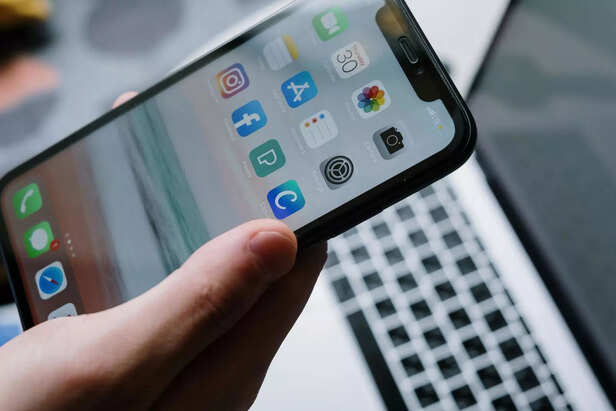
Image credit : Pexels | iPhone’s Clock Icon Hides a Clever Battery-Saving Trick
But Apple has been doing this since iOS7
What's new is how adaptive it becomes. And that's what Gen Z low-key respects: subtle flexes over loud ones. While we grew customising MaySpace layouts, tweaking Instagram aesthetics and obsessing over dark mode drops, hence micro-details matter.
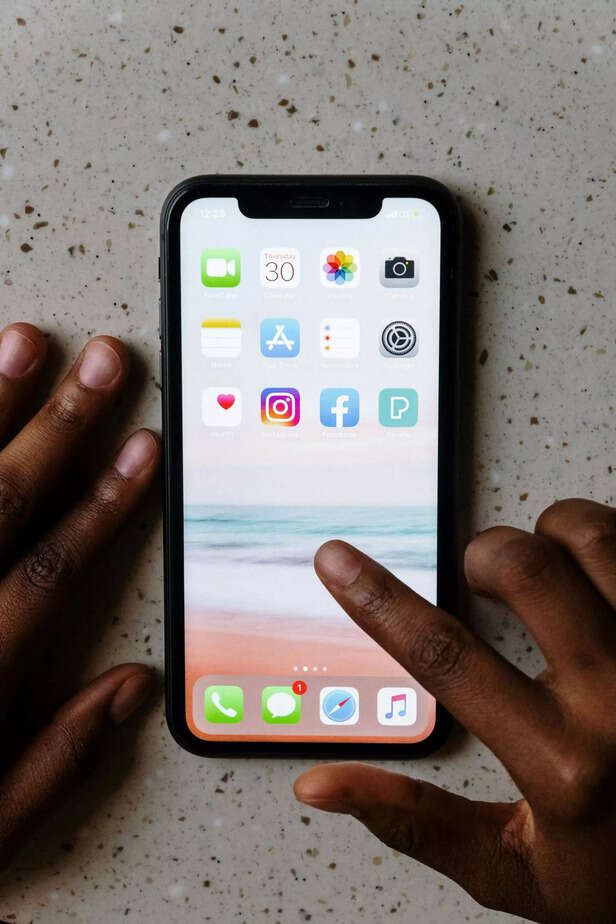
Image credit : Pexels | The iPhone Clock Icon You Didn’t Know Was Energy-Efficient
The battery-saving logic behind the animation
By switching to a one-second ticking motion in Low Power Mode, the system reduces the number of frames being processed, easing GPU workload and conserving battery.
Image credit : Pexels | Why Your iPhone Clock Changes With Low Power Mode
How low power mode subtly optimises performance without killing the vibe
The dynamic Clock icon itself isn't a new concept either; Apple has designed it to reflect real-time movement since iOS 7.
Trump attacks Supreme Court over tariff ruling
By Nancy Jaiswal

Light-skinned Black man detained by ICE, ignites online debate
By Simran Guleria

Global cost of living study sparks affordability debate
By Simran Guleria

GoFundMe for Eric Dane’s daughters sparks debate
By Simran Guleria

Selena Gomez clone drama takes a chaotic turn with 'secret Bieber baby' reveal
By Shivani Negi

US tech firm rescues employee amid Mexico airport chaos
By Simran Guleria

BAFTA broadcast controversy forces BBC apology
By Simran Guleria

